This is the script I use to start virtual machines in our cloud environment. I write it down here for archive and sharing purposes.
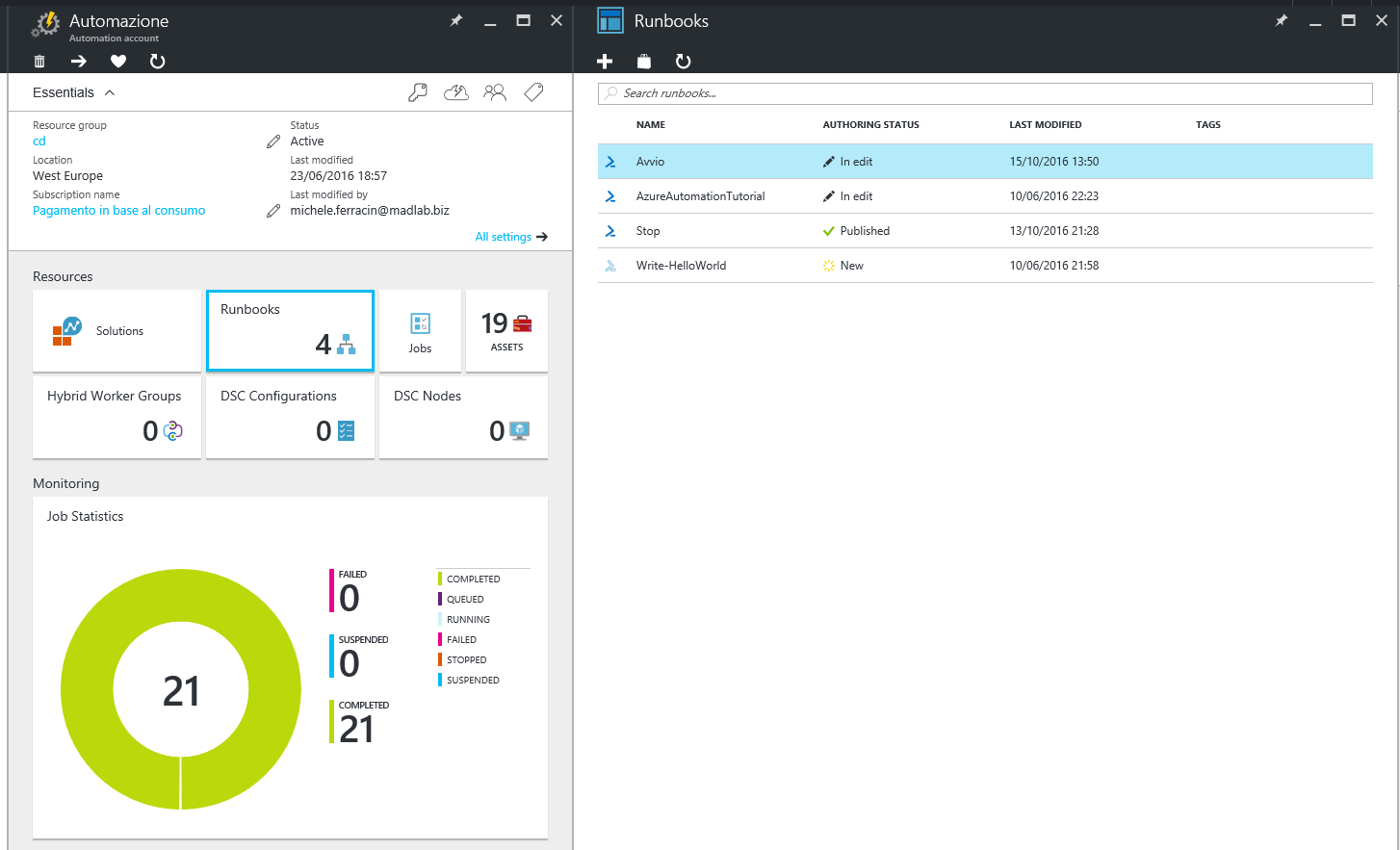 It is based on the Azure RunAs automation account.
The only thing thing you need to do is to schedule this script daily.
It is based on the Azure RunAs automation account.
The only thing thing you need to do is to schedule this script daily.
<#
    .DESCRIPTION
        Turns of virtual machines only office days.

    .NOTES
        AUTHOR: Michele Ferracin
#>

# No Sunday, no Saturday.
$wd = (Get-Date).DayOfWeek

if ($wd -eq "Sunday" -or $wd -eq "Saturday") {
 exit 0;
}

$connectionName = "AzureRunAsConnection"
try
{
    # Get the connection "AzureRunAsConnection "
    $servicePrincipalConnection=Get-AutomationConnection -Name $connectionName

    "Logging in to Azure..."
    Add-AzureRmAccount `
        -ServicePrincipal `
        -TenantId $servicePrincipalConnection.TenantId `
        -ApplicationId $servicePrincipalConnection.ApplicationId `
        -CertificateThumbprint $servicePrincipalConnection.CertificateThumbprint
}
catch {
    if (!$servicePrincipalConnection)
    {
        $ErrorMessage = "Connection $connectionName not found."
        throw $ErrorMessage
    } else{
        Write-Error -Message $_.Exception
        throw $_.Exception
    }
}

Start-AzureRmVM -Name "YourVM1" -ResourceGroupName "YourResourceGroup"

Start-AzureRmVM -Name "YourVM2" -ResourceGroupName "YourResourceGroup"